Key takeaways
- Start with one service and a specific market. Keep the query and capture context with the results.
- Compare exact business locations. Keep profile categories, advertised services, and what reviewers report in separate columns.
- Set a review limit and report how many cards came back. Use the number of readable reviews as the denominator for text themes.
- Turn each finding into a question, a client action, or a check for the next capture.
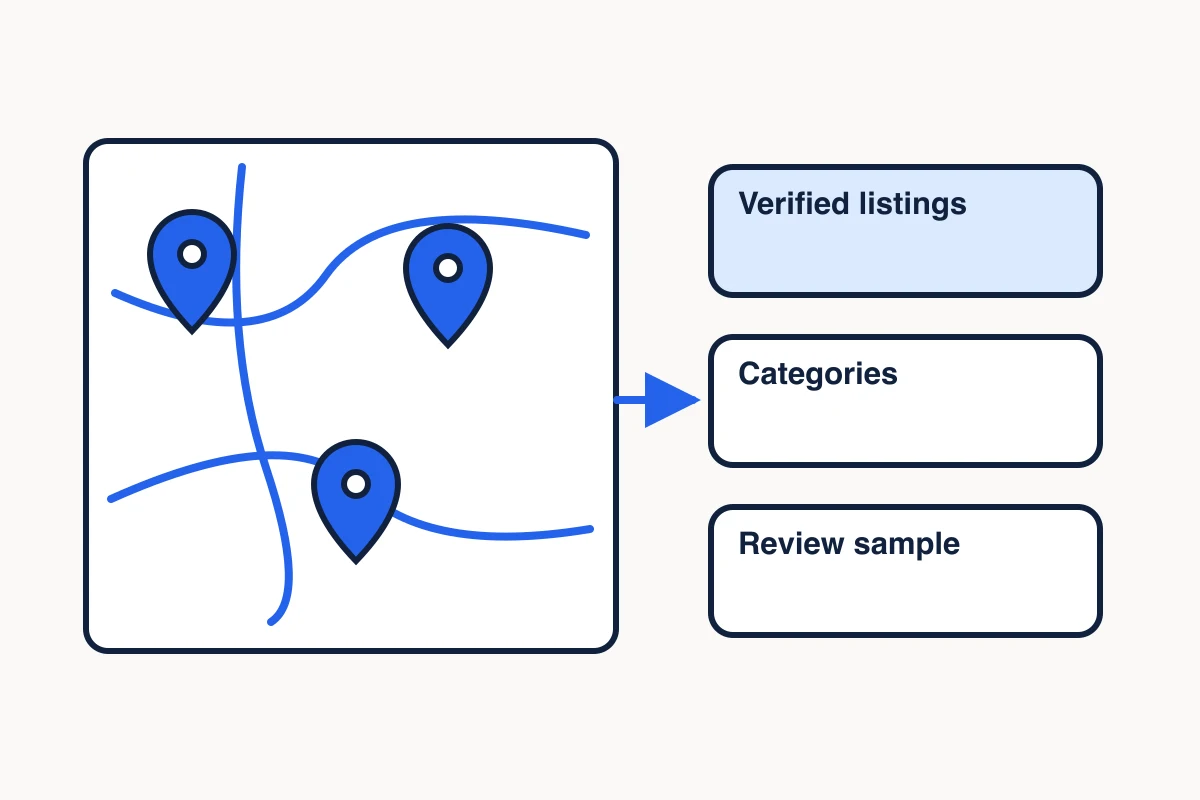
A Google Maps competitor analysis compares the businesses a customer might consider for the same service in the same area. Start with a narrow search, verify the exact locations, and compare their public profiles and a bounded sample of reviews. The result is a short list of things your client can verify or improve, with the source for each recommendation attached.
For a roofing client, a useful question might be whether its roof repair page explains what happens after a customer requests an inspection. The profiles help you find businesses offering comparable work. Their reviews can suggest which steps customers ask about or value. The client still needs to confirm what its own team can promise.
Define the service and the search area
Start with one service the client actually provides and one area it serves. For the roofing example, use “roof repair in Denver, CO.” Keep “roof replacement in Denver, CO” in a separate result set because the customer’s job and relevant businesses may differ.
Save the exact query, search surface, date and time, and the location setting or vantage point if you can verify it. A city in the query tells you what you typed. It does not tell you where the search ran. Keep any observed listing position attached to the particular capture. Google’s local ranking guidance describes relevance, distance, and prominence. One query from one context leaves visibility elsewhere and any ranking trend unresolved. Google’s local ranking guidance
Verify each competitor’s Google Maps listing
Use a Maps search to find candidates, then open the exact profiles. Start with the client and about three businesses that serve the same customer need in the area. Save the Maps URL and, when returned, the Place ID or CID, which are identifiers for a Google listing. Cross-check the displayed branch name, location and website before treating similarly named listings as one business. For a service-area business without a public address, record the service-area evidence you can verify.
An organic search result can supply a candidate website. In the recorded Denver Google Search capture, Cenco Roofing appeared with its homepage. The separate Maps lookup matched that website to its Lakewood listing. Use the listing ID for the review sample and the business website to verify which market it advertises serving.
Give each candidate a reason for inclusion. A roofing contractor that advertises repair in the target area may be comparable. A directory or a supplier may be useful to the research, but belongs in a separate set. Multiple branches of one brand can each have distinct profiles and reviews. Keep the branches separate when comparing customer feedback.
In a compatible AI client, ask MCP Scraper to use maps_search for the shortlist. For this example, set the query to “roof repair in Denver, CO” and the location field to CO. The location field selects the state. Denver in the query does not verify a city-level search origin. Once you pick a listing, use maps_place_intel with the business name and location, then confirm that the returned listing matches the one you meant. Request the fields you need and set a review limit. A candidate search does not collect individual review cards. Inspect a separate three-listing coffee-shop search
Compare categories, services and coverage
For each listing, keep a source, capture time and field state. Record the category as displayed. Then check the listed services and service area where available. Open the business’s own service page for details the listing leaves unclear. If you need to compare competitor service pages, record each offer as a website claim and keep it separate from the listing fields. Google describes categories as a way to identify the kind of business a profile represents. A broad label such as “Roofing contractor” leaves the specific offer open. Google’s category guidance
| Field | What to record | Decision it supports |
|---|---|---|
| Listing category | Exact label and profile URL | Is this business in the same broad comparison set? |
| Services and coverage | Listing field or business website passage, with the source | Does the business advertise the same service in the area? |
| Rating and review count | Displayed values and capture time | What listing-wide context accompanies the review sample? |
| Missing fields | Whether the field was unrequested, unavailable, or explicitly empty | What should we check before making a claim? |
A missing service in a return can mean you never requested that field or the source did not return it. Record the specific state. When a competitor’s service page advertises emergency repairs, label that as a website claim. Before recommending the same promise, confirm the client offers it under the conditions you plan to publish.
Sample and code competitor reviews
Set a review cap and decide which reviews qualify before reading them. For a first pass, you might request up to ten cards per branch. Record the requested limit, returned count, number with readable text, visible date labels and any known sort or filter. Retain the original relative date with the capture date when a card says something like “five months ago.” If a sort order is unavailable, record that too. A sample that returned its requested number still represents only the cards you collected.
If you’re choosing a provider for this step, open the same-listing review test worksheet before you build a larger review sample.
Use the record below as a worksheet for an exact listing lookup. MCP Scraper collected core details and up to five reviews for Formula Roofing and Remodeling in Denver. Public example fields · Source listing
| Field | Recorded value |
|---|---|
| Listing and market | Formula Roofing and Remodeling, Denver, CO · Maps CID 171772518342156819 |
| Captured | November 7, 2026 at 04:35:29 UTC |
| Primary category | Roofing contractor |
| Listing review count | 546 at capture |
| Review sample | 5 of 5 requested cards collected |
| Services | Outside the request scope |
| Search visibility | Unmeasured in this listing lookup |
Copy the fields for each listing you check. The profile count and the collected sample have different denominators. The public file records five returned cards and shows one excerpt. Review sort order remains unverified. To code themes, use the readable cards from your own capture and keep a reference for each card. For search visibility, record the query, search location, capture time and positions in a separate market search.
To repeat the collection, pass the arguments below to maps_place_intel in a compatible MCP client. Check that the returned Maps listing matches CID 171772518342156819. Record the new capture time, actual card count, and number of readable cards before coding themes.
{
  "businessName": "Formula Roofing and Remodeling",
  "location": "Denver, CO",
  "include": [
    "core",
    "reviews"
  ],
  "maxReviews": 5
}
Read the text of each usable card. Assign specific themes such as “inspection explained,” “arrival updates,” or “cleanup.” Count a review at most once per theme. The same review may support several themes, so theme counts can add up to more than the number of reviews. Keep the review reference and a short note on what the text supports. Track praise and friction separately if they point to different decisions. Record an owner response as a separate source field.
The public excerpt for Formula Roofing and Remodeling shows a five-star review with general praise. Record that as one observation. Leave “inspection explained,” “arrival updates,” and “cleanup” uncoded for this excerpt because it names none of those steps. To find out whether any of them recurs, check the readable cards from your own capture and count the cards that explicitly mention it.
On November 10, 2026, we used MCP Scraper to collect five readable review cards from each of two roof repair providers serving Denver. Formula has a Denver office. Cenco has a Lakewood office and advertises roof repair in Denver. Both lookups used the same field request and five-card cap. Review order remains unverified. Formula roof repairs · Cenco Denver service page
| Evidence | Formula | Cenco |
|---|---|---|
| Profile reviews | 546 | 843 |
| Cards read | 5 | 5 |
| Leak inspection photos | 0 | 0 |
| Leak inspection explained | 0 | 0 |
Formula says it provides photos, explains the cause and offers repair options. Cenco says it photographs the leak entry point before quoting. The matched Maps receipt preserves the original settings, counts and coding rules. The full review texts remain omitted.
For this comparison, count inspection photos only when a card explicitly links the photos to a leak inspection. Count an explanation only when the card says findings or repair options were explained after that inspection. We made this leak-specific wording explicit after rereading the ten saved cards; the original receipt keeps its earlier, broader rule wording.
Formula Roofing and Remodeling · 5 months agoInstallation progress picturesOutside both leak-inspection themes
“as it was installed at every stage”. The pictures describe roof installation. A later inspection was pending. This does not describe photos from a leak inspection or an explanation after it. Source listing
Cenco Roofing · 9 months agoMaintenance photo reportOutside both leak-inspection themes
“full report with photos”. The review describes gutter cleaning, roof resealing and a photo report from a maintenance visit. It does not name a leak inspection. Source listing
Cenco Roofing · 4 months agoRepair optionsOutside both leak-inspection themes
“identified the most urgent issues and offered options”. The reviewer describes a repair and options for moving forward. The passage does not identify findings explained after a leak inspection. Source listing
Read the three coding examples and source references alongside the original matched receipt. The excerpts explain these decisions and omit the full ten review texts, so they do not support complete independent recoding.
Turn the comparison into client actions
Hold the leak-inspection promise until the client’s service lead confirms what customers receive. Neither five-card Denver roofing sample describes the specific photo or explanation handoff. Use the reviews to frame the question and verify the process with the client before writing the claim.
Pair every proposed action with the evidence and the person who can confirm it. If inspection updates appear in multiple sampled reviews, ask the client’s service lead what customers receive after booking. If the process is consistent and the current page leaves it unclear, add the confirmed sequence to the roof repair page. Include a condition or limitation if the process differs by job. A customer comment suggests what to explain. The client confirms what the page can promise.
If the reviews suggest a repeated concern, use it to write interview questions for a buyer persona and check whether buyers describe the same problem.
Evidence: Two Denver-market roofing providers, five readable cards each. Formula advertises providing photos and explaining the cause. Cenco advertises photographing the leak entry point before quoting.
Finding: Zero sampled cards explicitly describe leak-inspection photos or an explanation after the inspection.
Decision: Hold the proposed promise that customers receive photos and an explanation.
Next check: Ask the client’s service lead what customers receive, when they get it and whether it changes by job.
Keep a dated comparison sheet and decide what would justify another capture. If you need to study visibility over time, repeat the same search with documented settings and retain any change in query, vantage point or scope. If a future content brief will reuse the evidence, retain the source links, sample counts, caveats and the decision together. See how to keep the Maps source and decision in separate notes
Sources
- Google’s local ranking guidance.https://support.google.com/business/answer/7091?hl=en-en
- Google’s category guidance.https://support.google.com/business/answer/7249669?hl=en
- Source listing.https://www.google.com/maps?cid=171772518342156819
See what one Maps review capture returns
Inspect the recorded review sample before choosing which fields to compare across listings.
Inspect the Maps review sample