MCP Scraper
Log inFree to Start

MCP Scraper

Web Scraping MCP Server

Connect your AI to the web once.

One server. Several web-data jobs.

Add one remote MCP server to your client. Then ask it to search, scrape a page, map a site, collect platform data, or open a browser.

  • 148 tools
  • 10,000 pages per crawl
  • Live browser watch & takeover

One connection. Several web-data jobs.

Your AI sees typed tools and picks the one that fits the request. You get the result back with fields, sources, status, or a saved artifact you can inspect.

  • Search
  • Extract a page
  • Map a site
  • Crawl a site
  • Google Maps
  • Reddit
  • YouTube
  • Ad libraries
  • Hosted browser

Actual outputs

See four real server outputs.

Tool discovery, page extraction, site mapping, and browser recovery each have their own three-image carousel. Swipe or use the arrows.

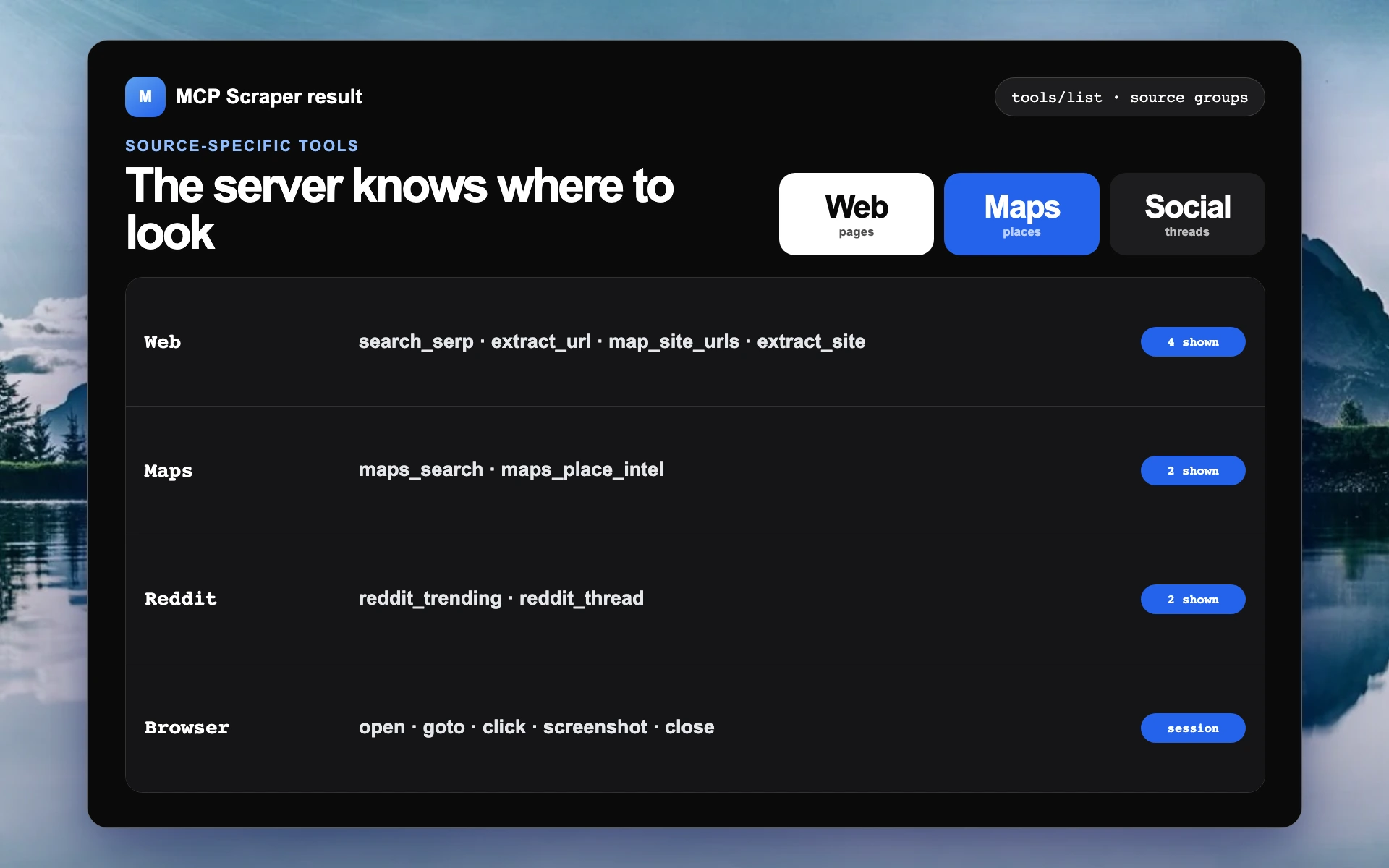
Tool discovery

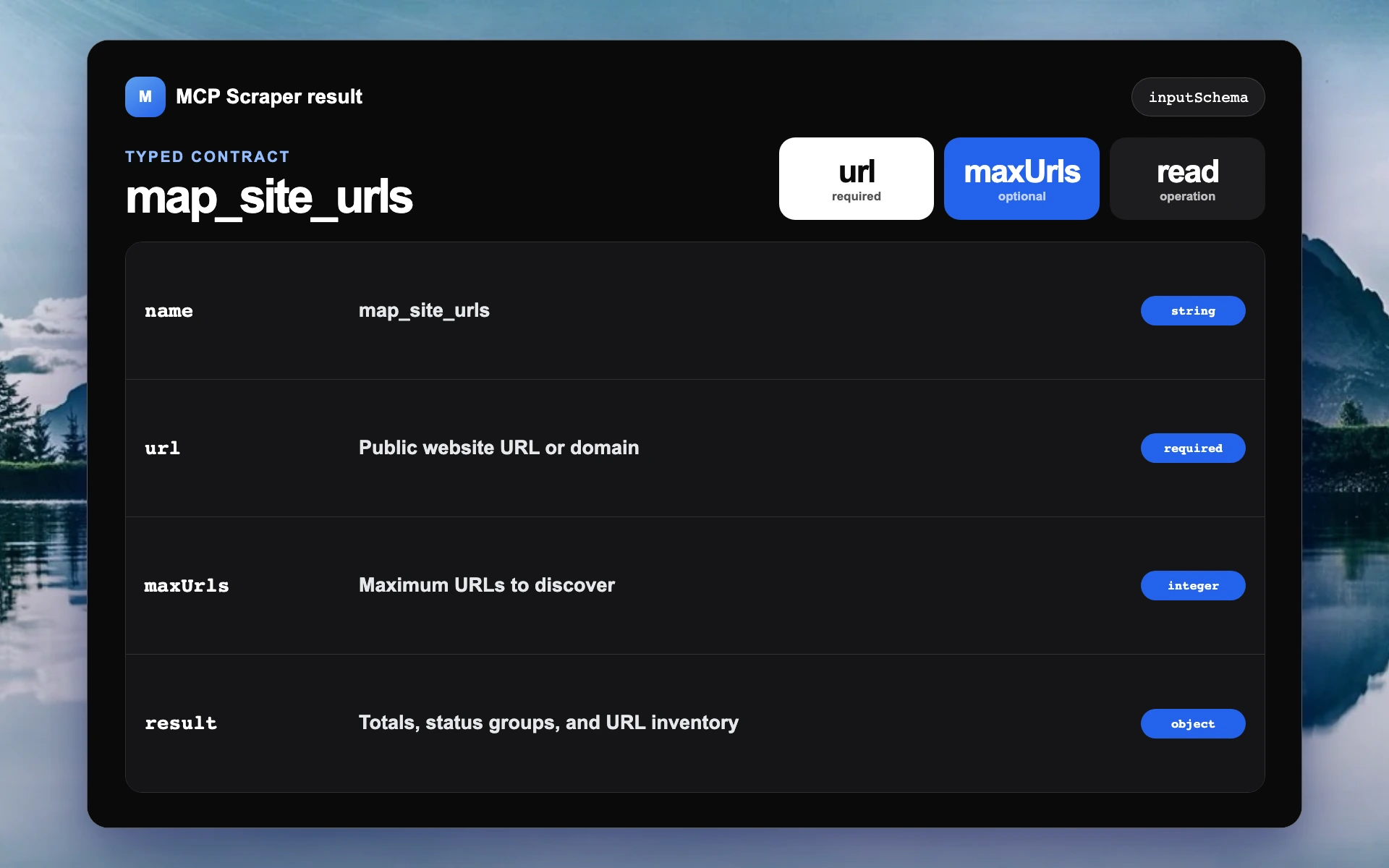
The server catalog, source groups, and one typed tool definition.

Tool catalog
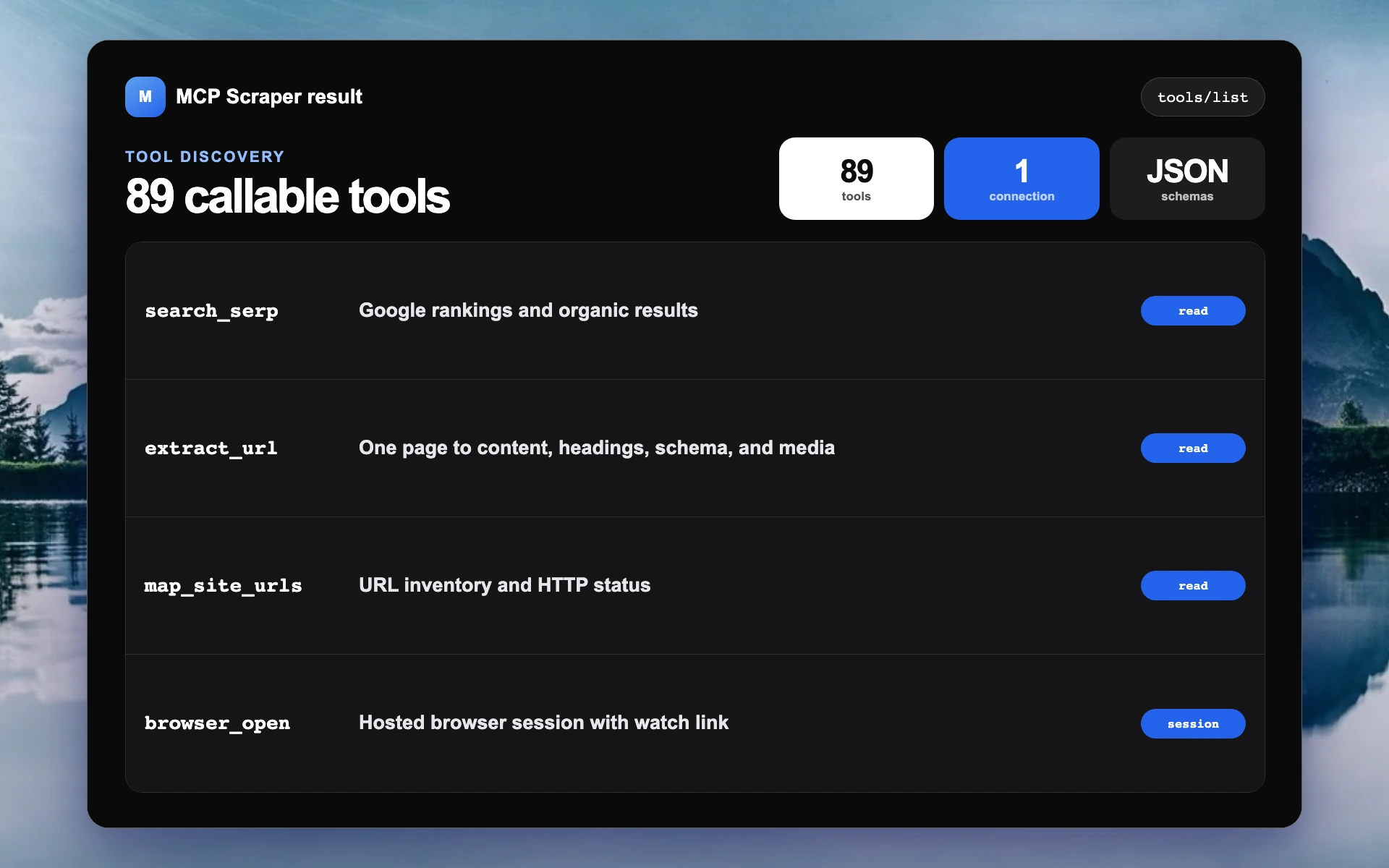
Actual MCP Scraper tool catalog filling a black Mac-style screen over the supplied mountain wallpaper
Actual MCP Scraper web, Maps, Reddit, YouTube, ads, and browser tool groups
Actual map_site_urls tool contract with required and optional typed inputs

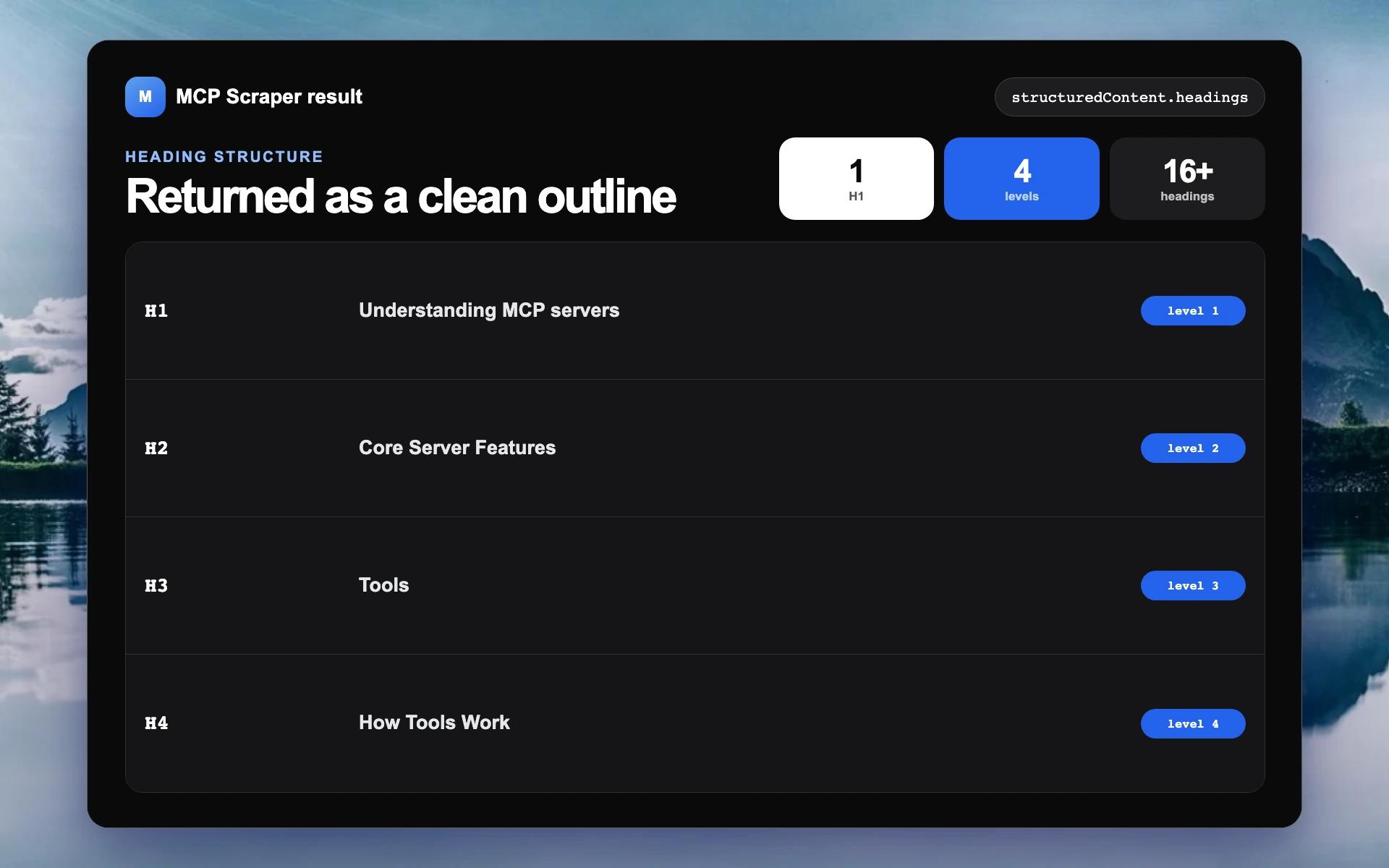
One-page extraction

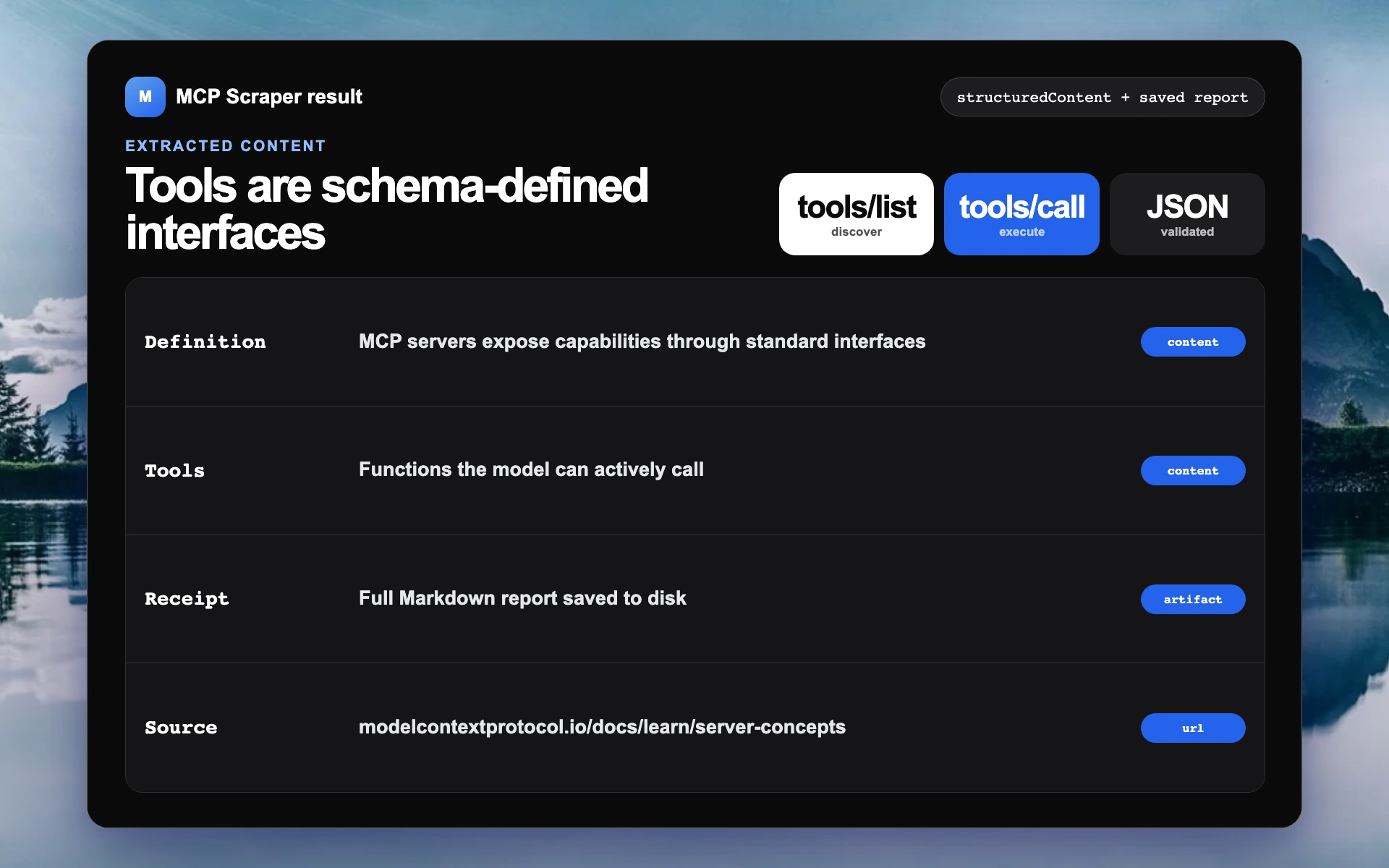
The returned title, heading outline, content fields, source, and saved report.

Full result
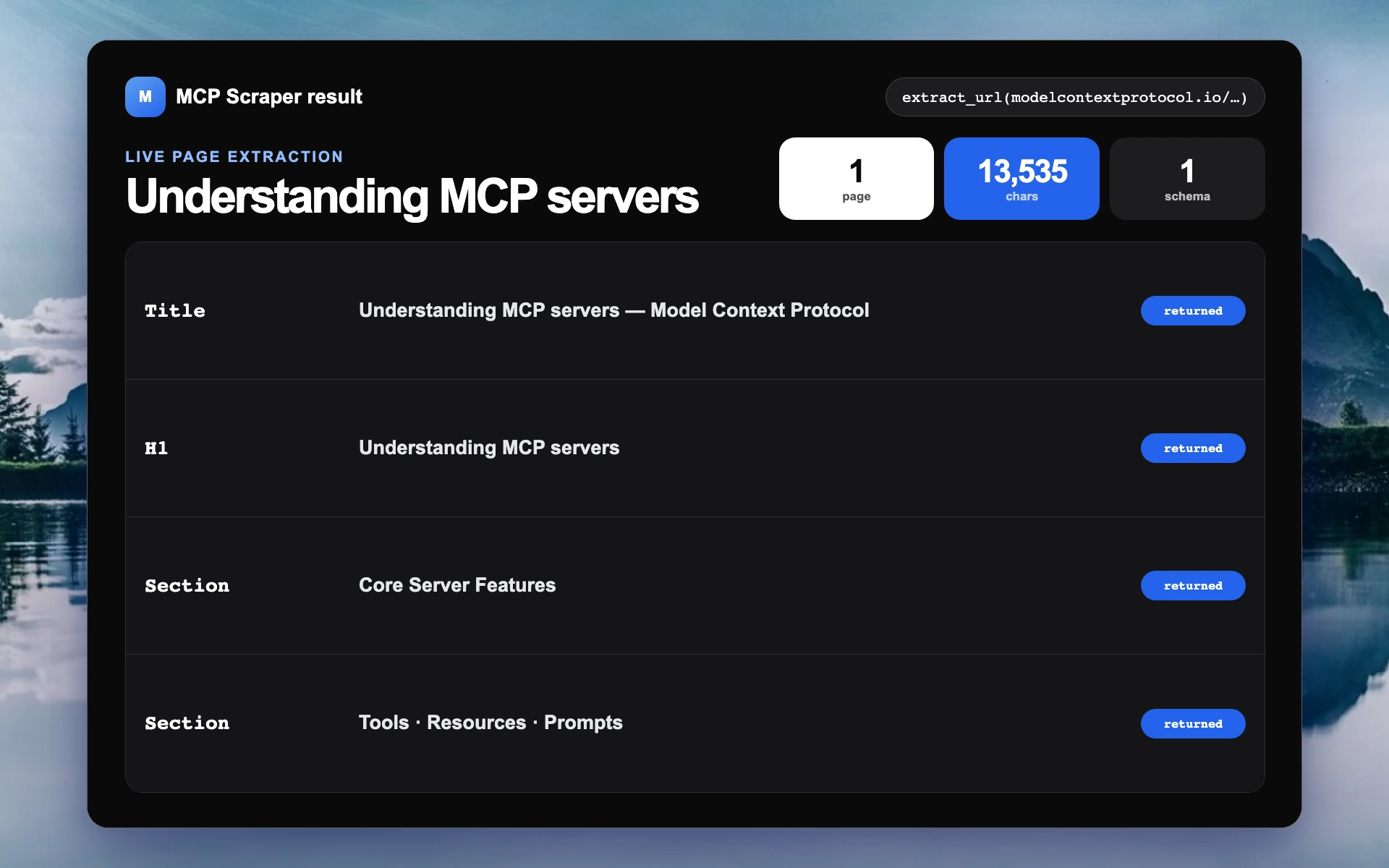
Actual extract_url result for the official MCP server documentation
Actual heading structure returned from the official MCP server documentation
Actual extracted content fields, source URL, and report receipt

Site mapping

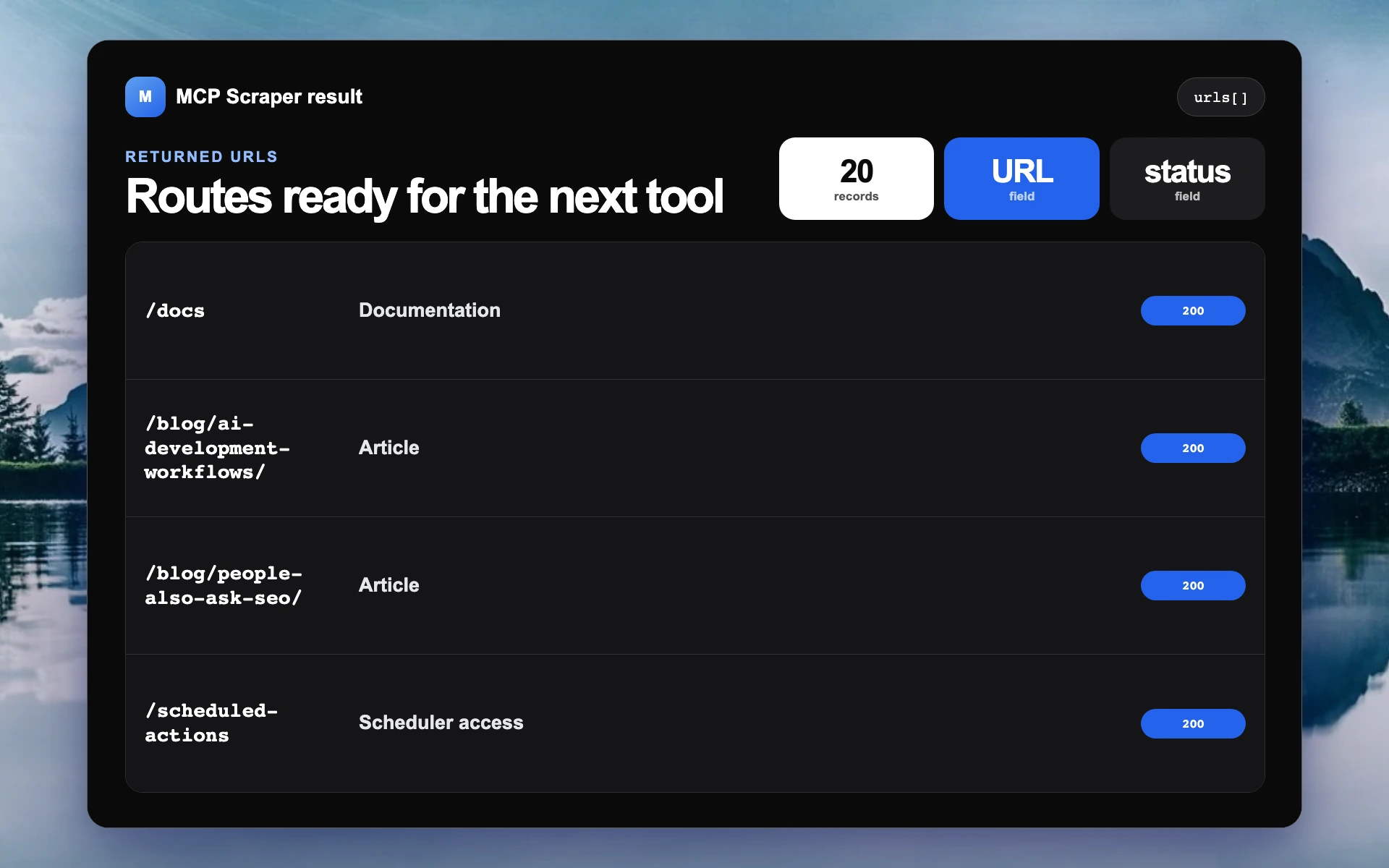
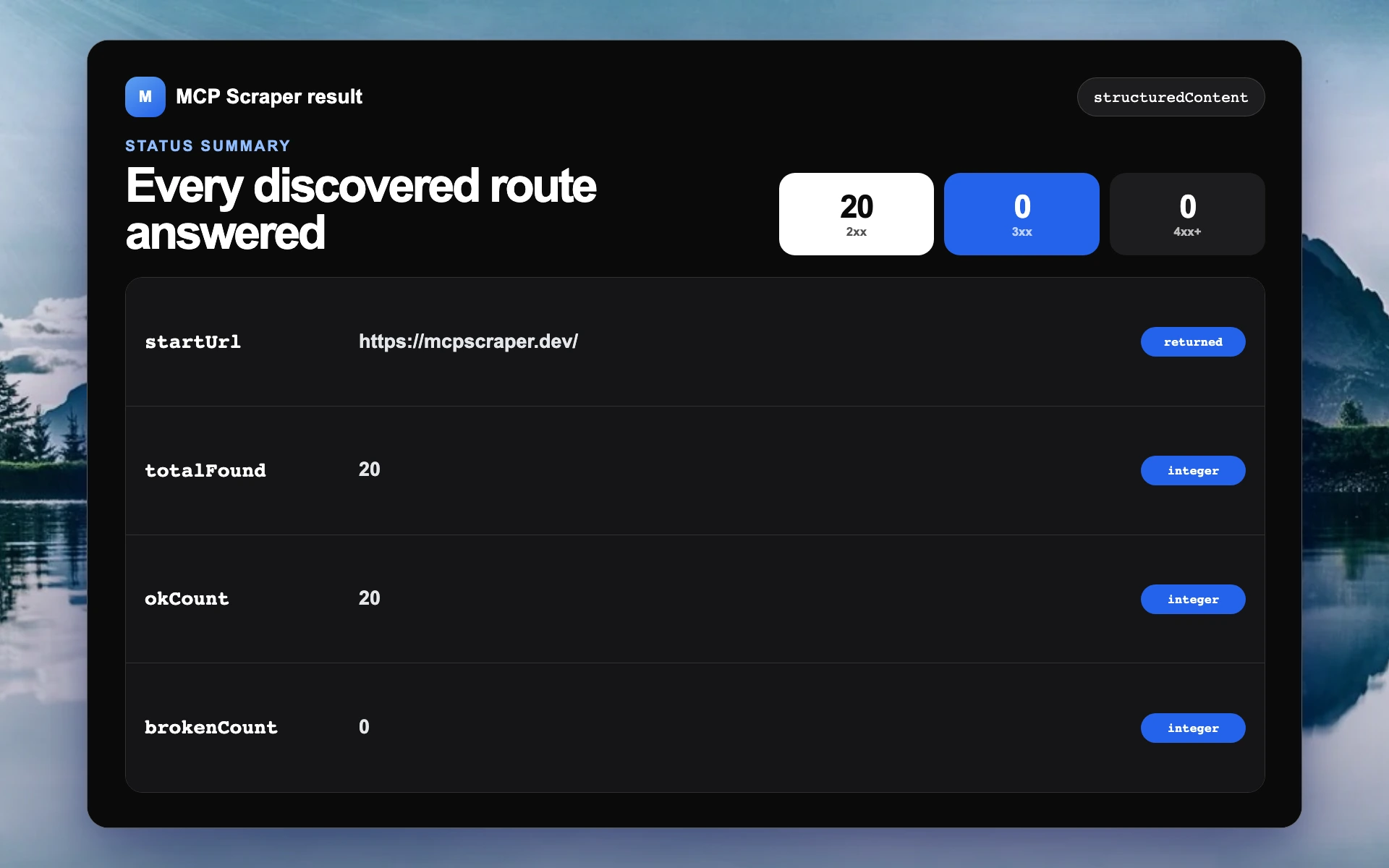
The target, route totals, HTTP status summary, and returned URLs.

Full result
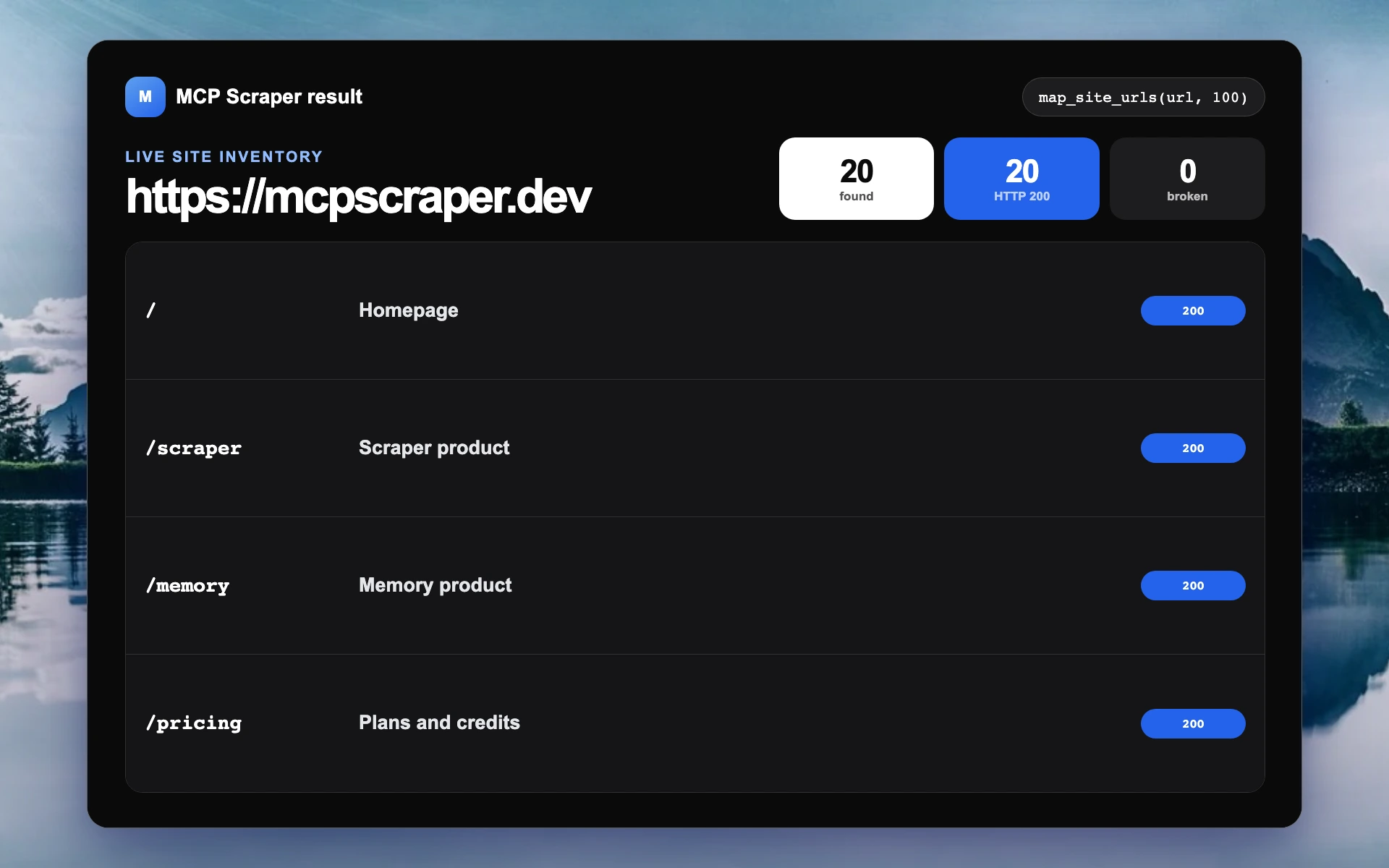
Actual MCP Scraper site map result with 20 discovered routes and zero broken routes
Actual site map status fields showing 20 HTTP 200 responses
Actual returned MCP Scraper routes and status codes

Hosted browser

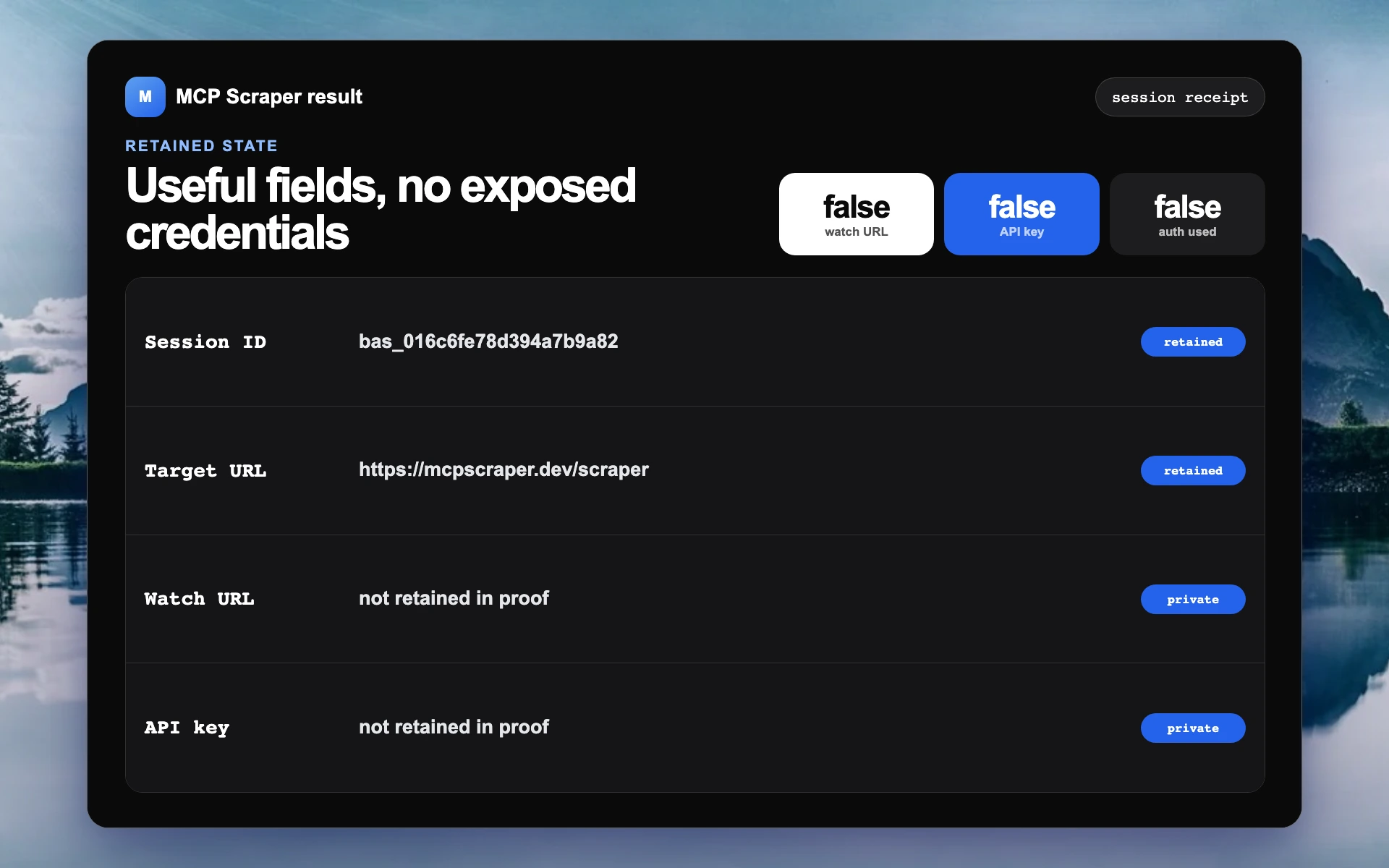
The recorded session, call sequence, returned page state, and privacy fields.

Full session
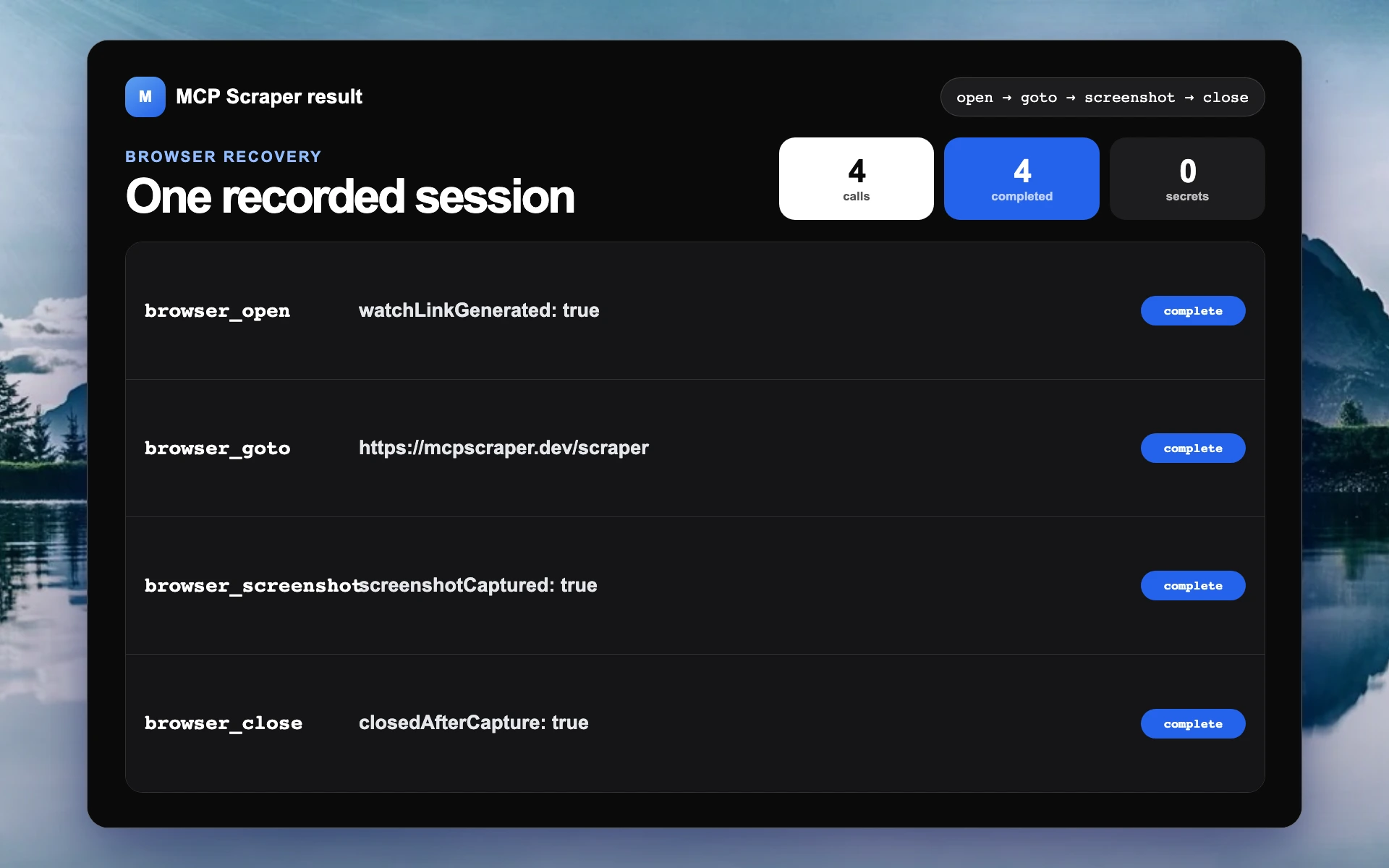
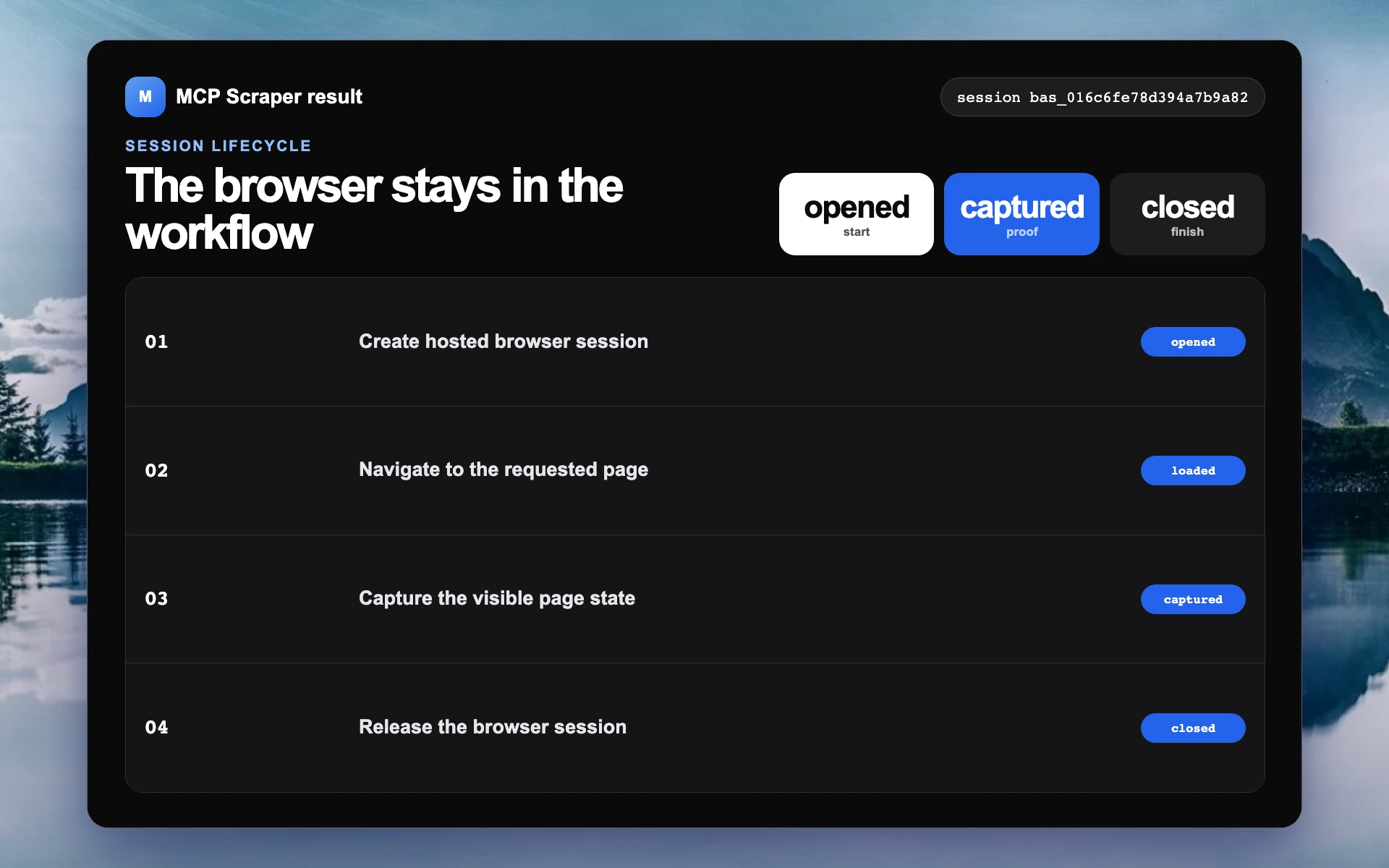
Actual hosted browser session receipt with four completed calls
Actual hosted browser open, navigate, capture, and close sequence
Actual hosted browser result fields with private credentials excluded

Four simple steps

How the connection works

Connect the server, ask for the result, let the client call the right tool, and inspect what came back.

  1. 01Connect

    Add the remote server to a compatible MCP client.

  2. 02Ask

    Describe the source, fields, and result you need.

  3. 03Run

    The client calls the matching typed tool.

  4. 04Check

    Review the fields, URLs, status, or saved artifact.

Collect from the source the job calls for.

Use websites, search, Maps, Reddit, YouTube, public ad libraries, media tools, or a hosted browser without adding a different MCP server for every source.

WebsitesSearchMapsSocialBrowser

Get a result you can use next.

Return structured fields, Markdown, source URLs, status codes, screenshots, transcripts, CSV files, or saved artifacts to the same conversation or downstream workflow.

JSONMarkdownURLsMediaArtifacts

What the server gives you

The practical pieces needed to connect an AI client to live web data.

One connection

Add the remote server once, then use the same account from compatible MCP clients.

Typed tools

Each operation declares its inputs, so the client can choose and call it directly.

Useful results

Get content, fields, URLs, status codes, screenshots, transcripts, or saved artifacts.

Source-specific data

Use dedicated tools for Maps, Reddit, YouTube, public ads, search, and websites.

Small and large jobs

Extract one page, map a site, or crawl up to 10,000 pages.

Browser recovery

Open a hosted browser when a job needs navigation, interaction, or a human step.

Choose a plan.

Every plan includes all 148 scraper, connection, automation, and live-browser tools. Credits remain available for three months.

Starter

$1 first month

Then $12 per month. A practical start for one person or a prototype.

  • 80,000 credits per month
  • 3 parallel browsers
  • All 148 tools and live browser
Start for $1
Most popular

Growth

$40/month

More throughput for products and workflows that use live web data every day.

  • 266,667 credits per month
  • 10 parallel browsers
  • All 148 tools and live browser
Get Growth

Scale

$100/month

More throughput for products and workflows that use live web data every day.

  • 800,000 credits per month
  • 20 parallel browsers
  • All 148 tools and live browser
Get Scale

Active integrations are 15,000 credits per month each, drawn from your balance. Each $5/month pack adds 2 extra browsers.

Frequently asked questions

The practical details about MCP, tool coverage, returned data, browser recovery, limits, and setup.

What is a web scraping MCP server?
It is a server that exposes web-collection tools through the Model Context Protocol. A compatible AI client can discover those tools, call one with typed arguments, and use the returned result in the conversation or workflow.
How is this different from a scraping API?
An API is usually wired into an application by a developer. MCP gives compatible AI clients a standard way to discover and call the tools. MCP Scraper also provides dashboard, API, and export paths when MCP is not the right surface.
Do I need a separate server for every source?
No. The same MCP Scraper connection includes tools for websites, search, Maps, Reddit, YouTube, public ad libraries, media, and hosted-browser workflows.
What does the server return?
The exact response depends on the tool. Results can include structured fields, JSON, Markdown, URLs, status codes, screenshots, transcripts, CSV files, or saved artifacts.
What happens when a normal scrape cannot finish?
A workflow can move into a hosted browser session. You can watch it, take over for a human step when needed, and keep the session inside the same broader workflow.
Does it bypass every website?
No. Websites and access rules vary. MCP Scraper provides several collection routes and a browser option, but it does not promise universal access or guaranteed bypass.
How do I start?
Create an account, open the current setup instructions, and add the remote MCP connection to a compatible client. The Starter plan is $1 for the first month and then $12 per month.